Productivity · Android
See what you actually made per hour
A punch-in, punch-out time clock for gig workers and freelancers that subtracts fuel costs, tracks mileage, and shows your real hourly rate. No accounts, no subscriptions.
What it does
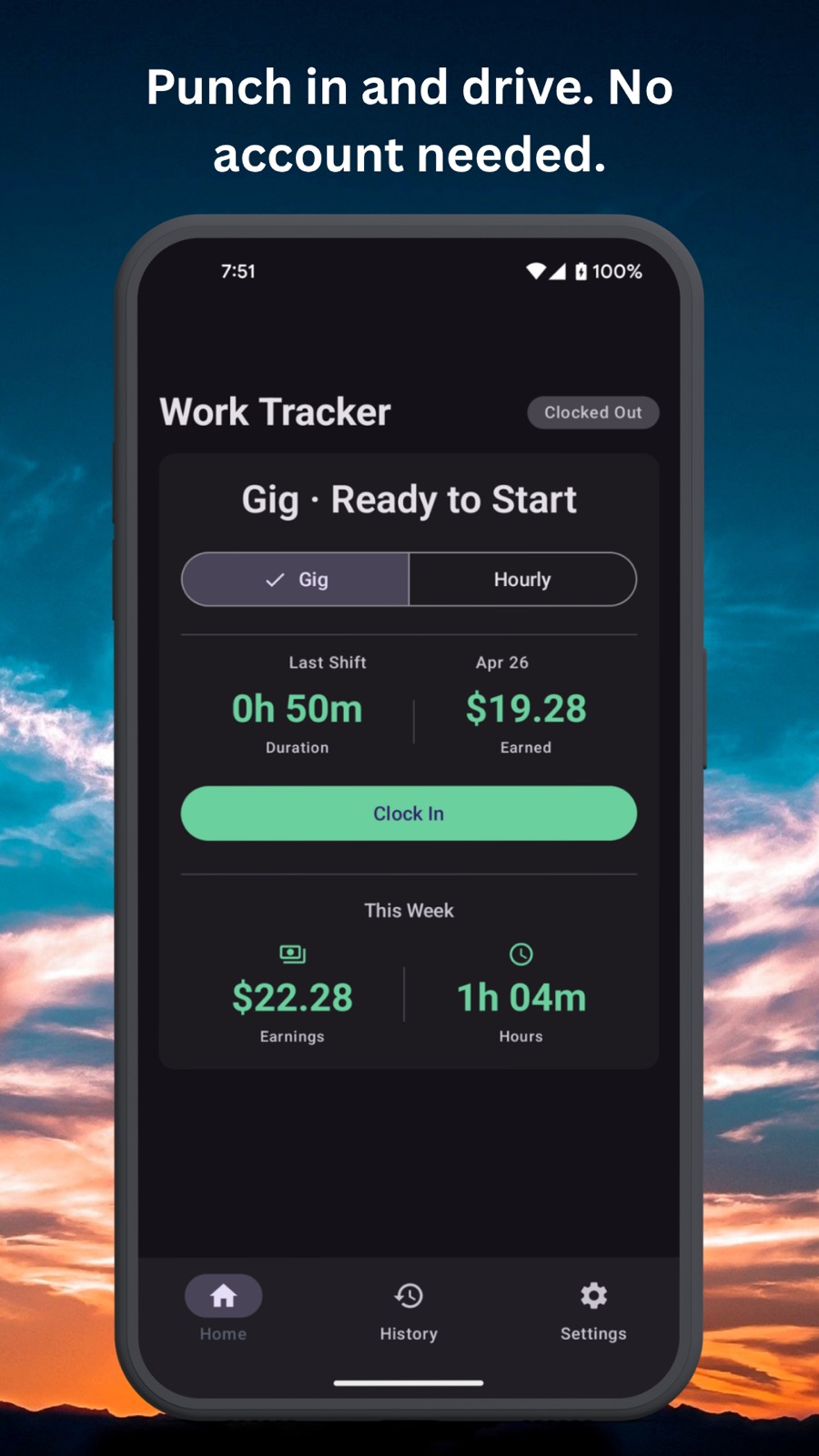
Simple time clock
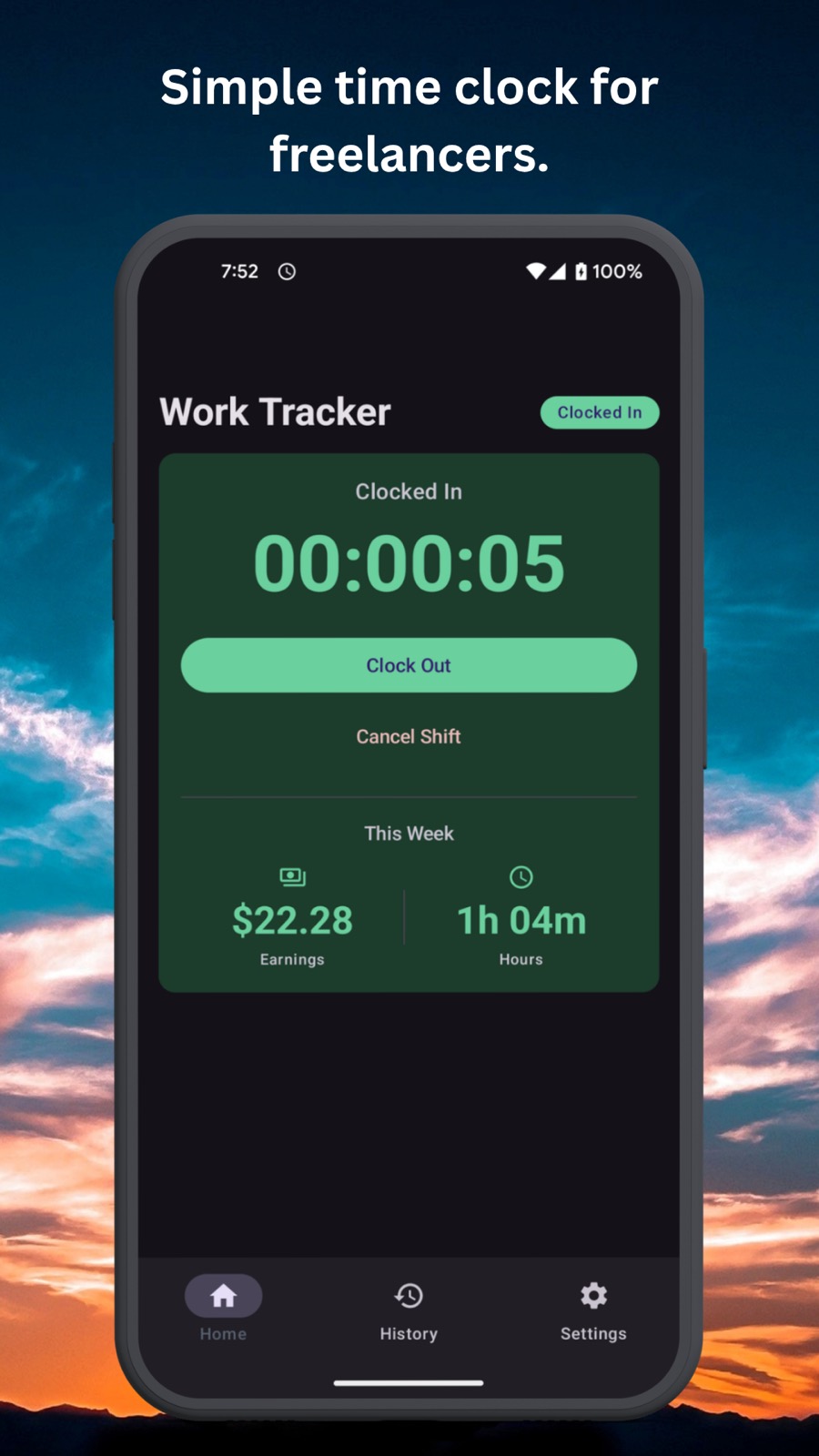
Punch in, work, and clock out from one clean home screen. Built for fast shift tracking, not spreadsheet busywork.
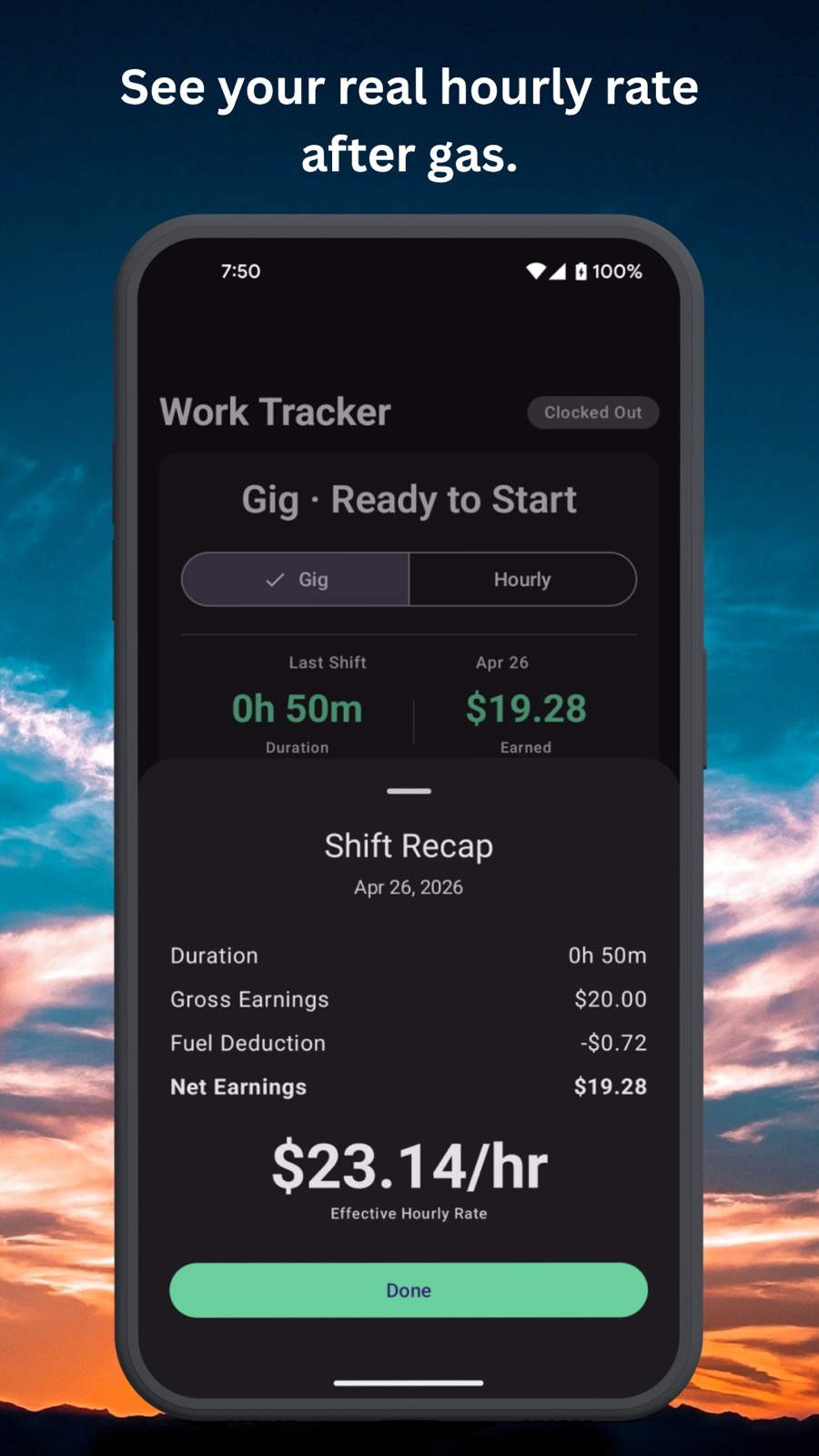
Real pay after gas
Each gig shift recap subtracts fuel cost and shows your effective hourly rate, so you can judge profitability instead of guessing from gross earnings.
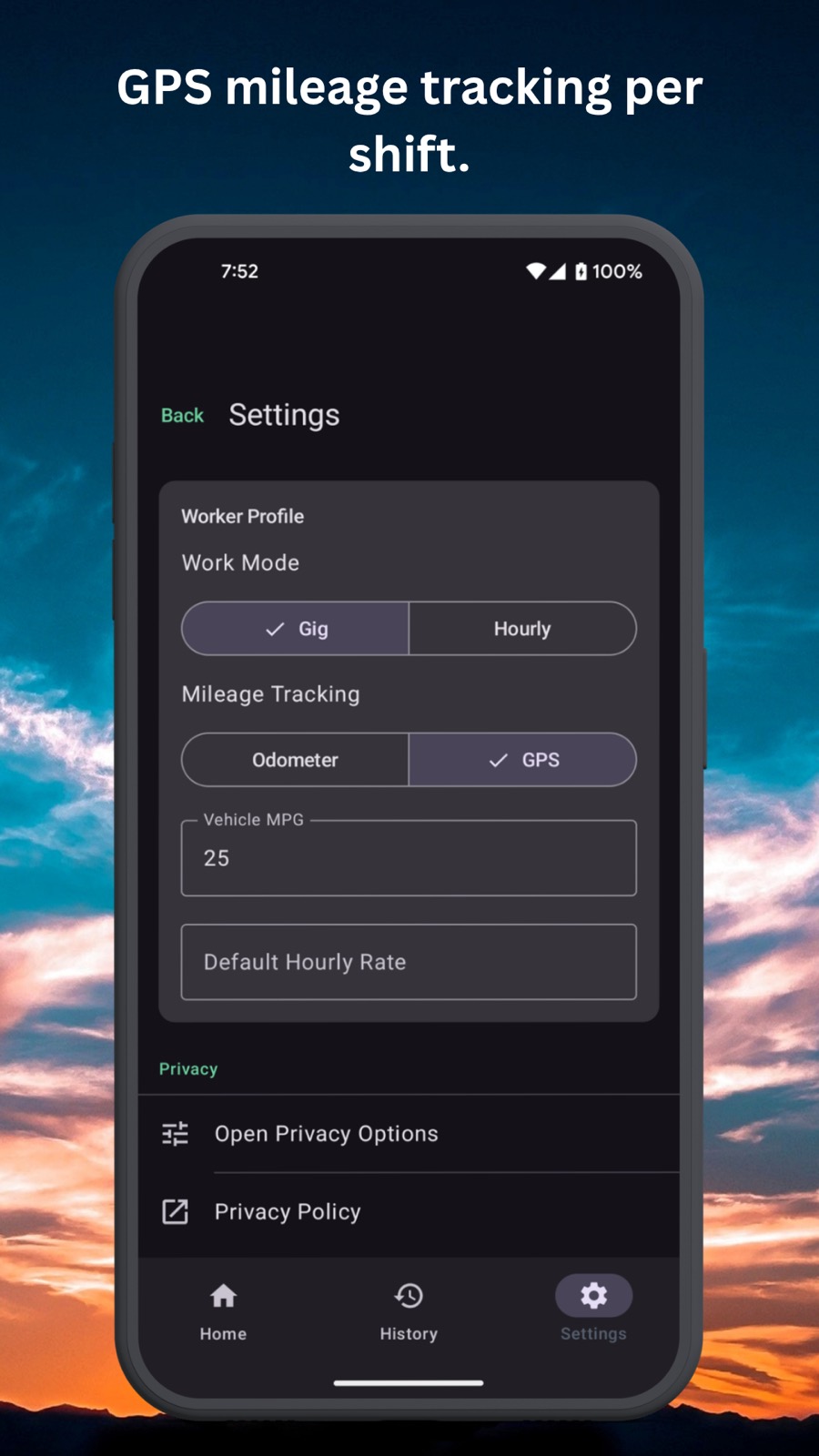
GPS or odometer mileage
Track miles automatically with GPS, or keep it private with odometer mode. Either way the distance stays tied to the work session.
No account needed
Everything runs locally on your phone. No signup, no platform connection, no subscription just to see your own work history.
Shift history and export
Review old shifts, compare profitability over time, and export your records when you need a timesheet or a backup.
Gig work and freelancing
Gig mode when you are driving, hourly mode when you are billing clients. One app covers both.
Screens
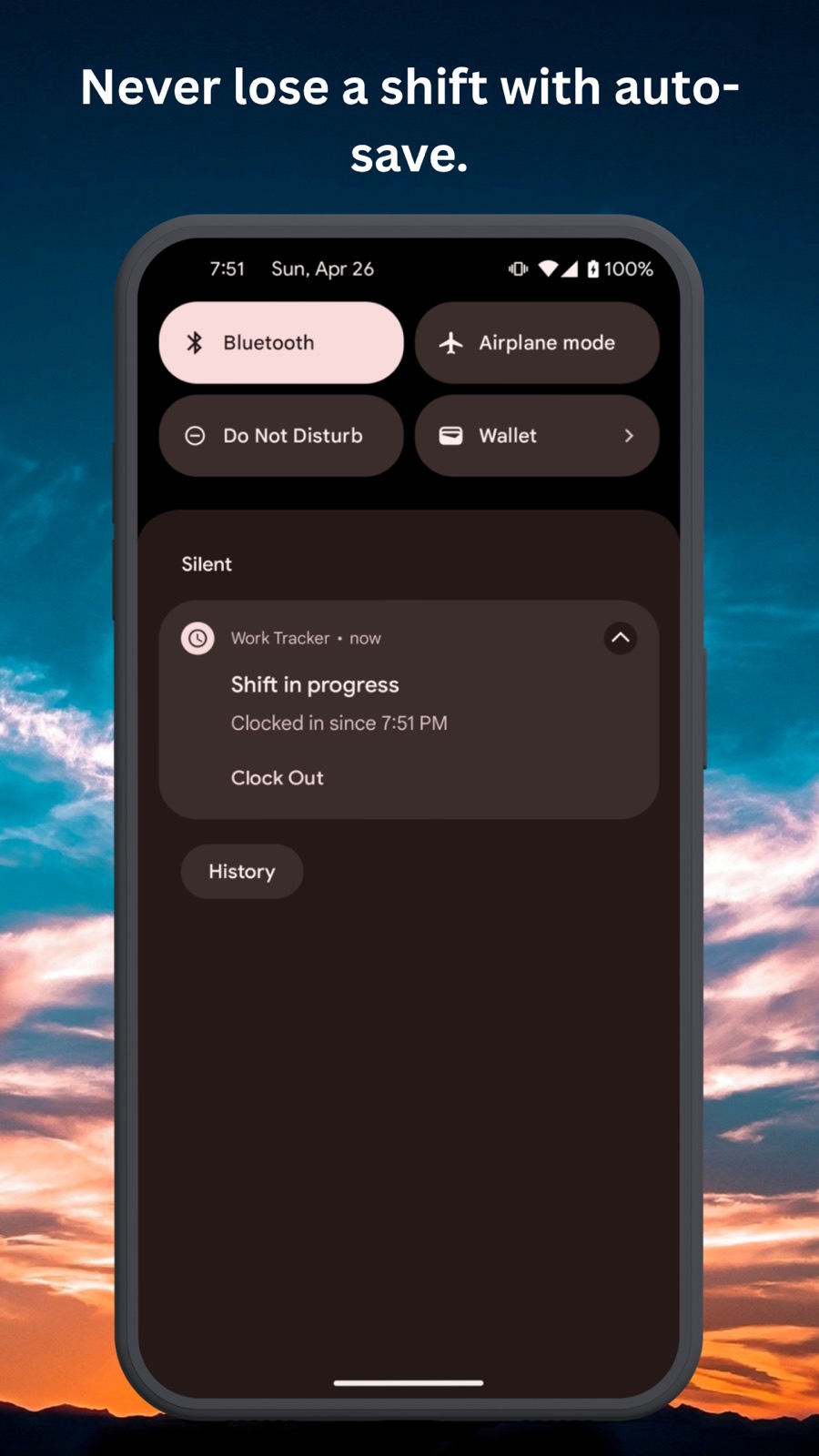
The punch-in flow, active shift timer, mileage settings, history, and the end-of-shift profitability recap.
Questions
Who is Work Hours Tracker for?
Gig drivers, hourly freelancers, and anyone who wants a work log that goes beyond raw hours and shows real take-home value after fuel.
Do I need to create an account?
No. The app is local-first and keeps your shift records on your device, so there is no signup, cloud dashboard, or subscription wall.
Is GPS required?
No. GPS mileage tracking is optional. If you prefer a more private setup, odometer mode lets you track distance without location permission.
Is the app available now?
Yes. Work Hours Tracker is live on Google Play for Android.
Track time without hiding the real math
Log shifts, track mileage, and see actual hourly profitability from one simple workflow.